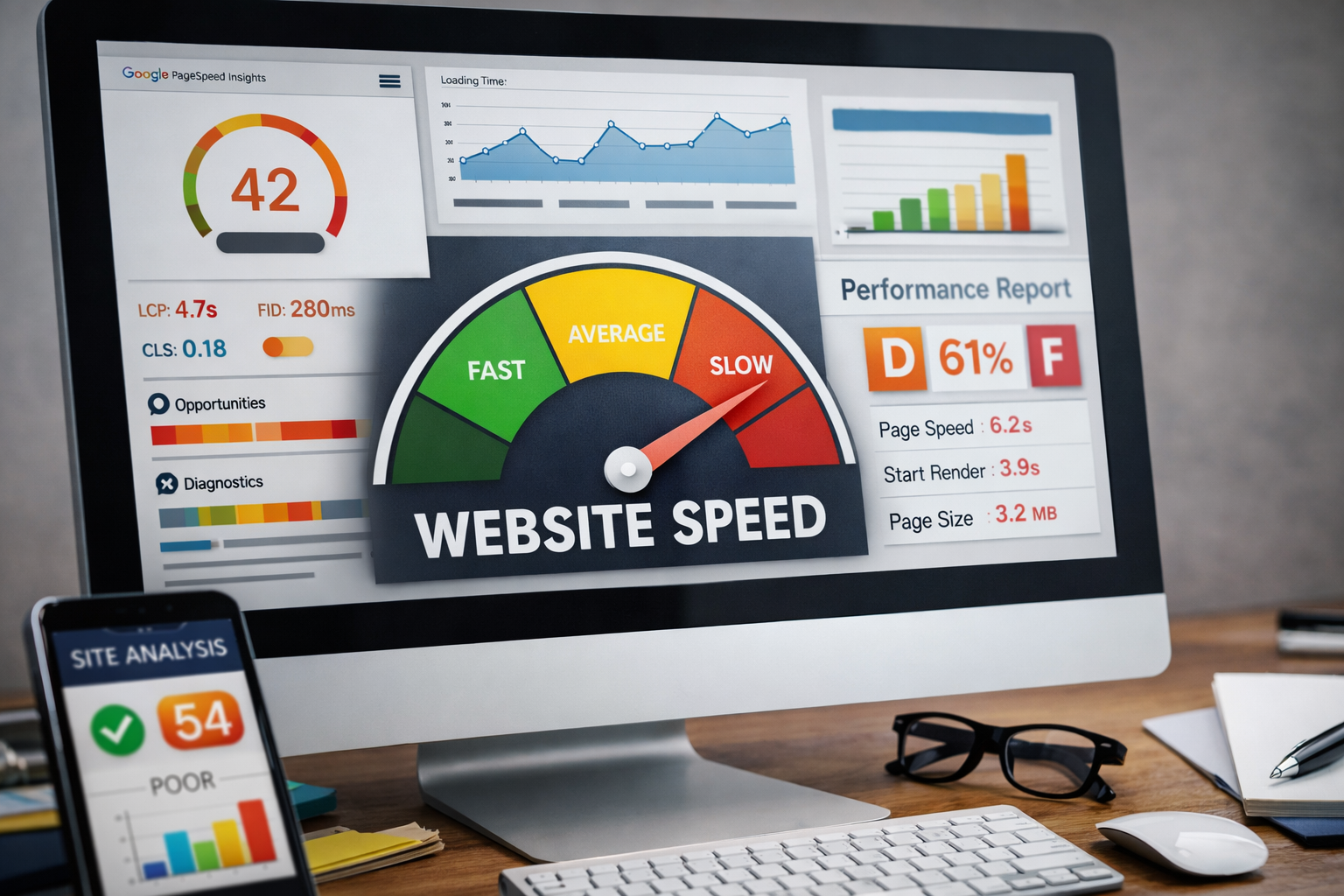
If your website feels slow, you’re probably losing customers — even if the site looks good. Most visitors won’t wait more than a couple seconds for a page to load. On mobile, they’re even less patient.
The good news? You usually don’t need a full redesign to fix speed problems. Below are 7 fixes I use on real client sites that make an immediate difference.
1. Large images are the #1 speed killer
This is the most common issue I see. Many websites upload massive images straight from a phone or camera, forcing browsers to download way more data than necessary.
- Resize images to the maximum display size
- Compress images before uploading
- Use modern formats like WebP when possible
Real impact: image optimization alone can cut load time in half.
2. Too many scripts running on your site
Analytics tools, chat widgets, tracking pixels, and plugins all add delay. Individually they seem harmless — together they slow everything down.
- Remove scripts you don’t actively use
- Defer loading when possible
- Avoid duplicate tools
3. Your hosting matters more than you think
Cheap shared hosting is a hidden performance killer. You may be sharing resources with hundreds of other sites.
- Use modern hosting (Google Cloud, AWS, quality managed hosting)
- Enable server-side caching
- Make sure SSL is set up correctly
4. Your homepage is doing too much
Sliders, background videos, animations, and bloated sections all increase load time and confusion.
A focused homepage loads faster and converts better.
5. No caching means repeated loading
Without caching, your site reloads everything from scratch on every visit.
- Enable browser caching
- Cache static assets
- Use server-level caching when available
6. Fonts can slow your site more than you expect
Too many font families or weights create unnecessary requests.
- Limit to 1–2 font families
- Only load needed font weights
- Host fonts locally when possible
7. You don’t know your real speed score
Many site owners assume their site is fast because it “eventually loads.” Google and users don’t see it that way.
Test your site using Google PageSpeed Insights and focus on mobile performance metrics.